A good poker app for friends should make it easy to create a private table, invite your group, and get a game going. The right choice depends on whether everyone wants to play in a browser, use a phone app, or keep a regular club running.
These six apps all offer private play, but their setup, game formats, and paid features differ. Start with the comparison below, then look at the screenshots and trade-offs for each one.
Disclosure: We make Chips of Fury. Product details and screenshots below come from official websites and app listings. This is not a hands-on test of every app.
At a Glance
Stars are our editorial ratings out of five, not App Store scores. We compare the effort to set up a private game and how well each app suits phone play.
| App | Best for | Private tables | Ease of setup | Mobile experience |
|---|---|---|---|---|
| Chips of Fury | Friends-only poker nights | Yes | ★★★★★ | ★★★★★ |
| Poker Now | Instant browser play | Yes | ★★★★★ | ★★☆☆☆ |
| Poker Patio | No-signup home games | Yes | ★★★★★ | ★★★☆☆ |
| EasyPoker | Casual mobile games | Yes | ★★★★☆ | ★★★★☆ |
| Pokerrrr 2 | Traditional home games | Yes | ★★★☆☆ | ★★★☆☆ |
| PokerUp | Social-first play | Yes | ★★★☆☆ | ★★★☆☆ |
Six Apps for Your Next Poker Night
1. Chips of Fury
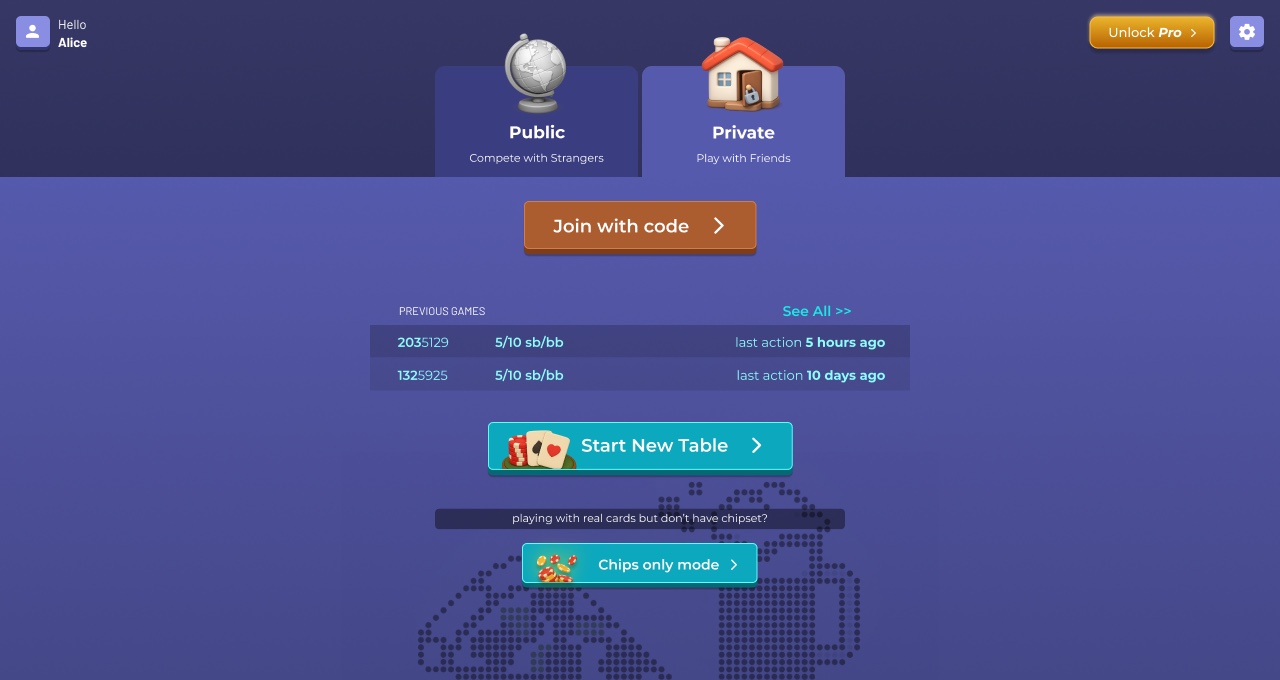
Best for: Friend groups who want private poker designed for both mobile and desktop, with room to try different variants.

Pros
- Quick private-game setup with an invite link or game code
- Layouts designed for both mobile and desktop, so friends on phones and laptops can play together
- Play in a browser or use the iOS and Android apps
- 15+ poker variations, including Hold'em, Omaha, and mixed-game options
- Chips Only mode for tracking virtual chips while playing with physical cards
- Built-in voice chat
Cons
- Extra game formats and host controls mean more choices to learn
- Some features require a paid plan
This is our app, so the recommendation comes with that context. Its main advantage for a home game is flexibility: you can play fully online or use it as a chip set around a real table.
See Chips of Fury's features and platforms.
2. Poker Now
Best for: Groups who want zero downloads and a room they can share with a link.

Pros
- Browser-based, with no download or signup needed for a quick private game
- Share a room link so friends can join from a phone or computer
- Built-in video and voice chat
- Hold'em, Omaha, and customizable table settings
Cons
- No native mobile app
- A full table and its controls can feel busy on a small phone screen
Free quick games cover the basic private-table use case. Check the separate Plus and club options if you need more features.
3. Poker Patio
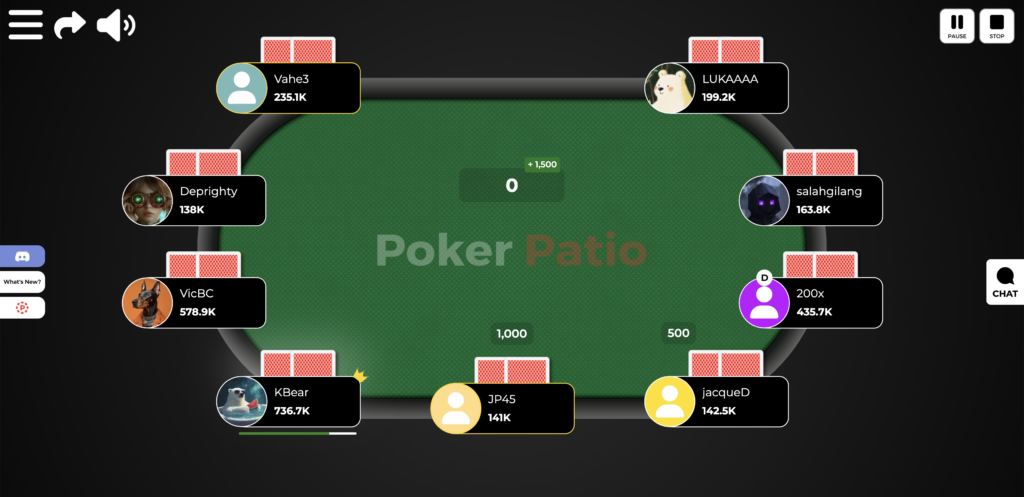
Best for: Friends who want to play free Texas Hold'em together in a private room, directly from their browser.
Pros
- Browser-based (no downloads required)
- No registration required for private games
- Easy to create a room and invite friends
- Customizable game settings
Cons
- Only offers Texas Hold'em
- No native mobile app
Also offered
Poker Patio also offers a way to play free poker with other players in public lobbies. Users can join active tables, choose from different virtual-chip stakes, and play against opponents from around the world. Public play requires a free account; private games with friends do not. Chips have no cash value.
4. EasyPoker
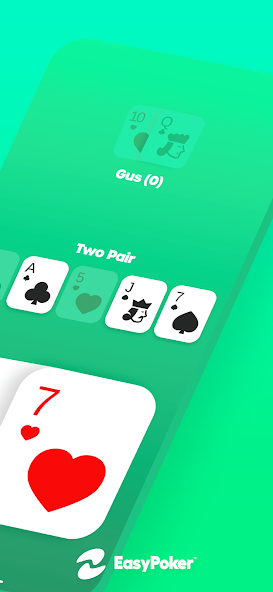
Best for: Casual mobile poker nights with voice chat.
Pros
- Dedicated mobile app with private games joined by a four-digit PIN
- Live voice chat
- Hold'em, Omaha, Short Deck, and Reverse Hold'em
Cons
- Everyone needs to download the app
- Some game modes, customization, and other features require a subscription
5. Pokerrrr 2
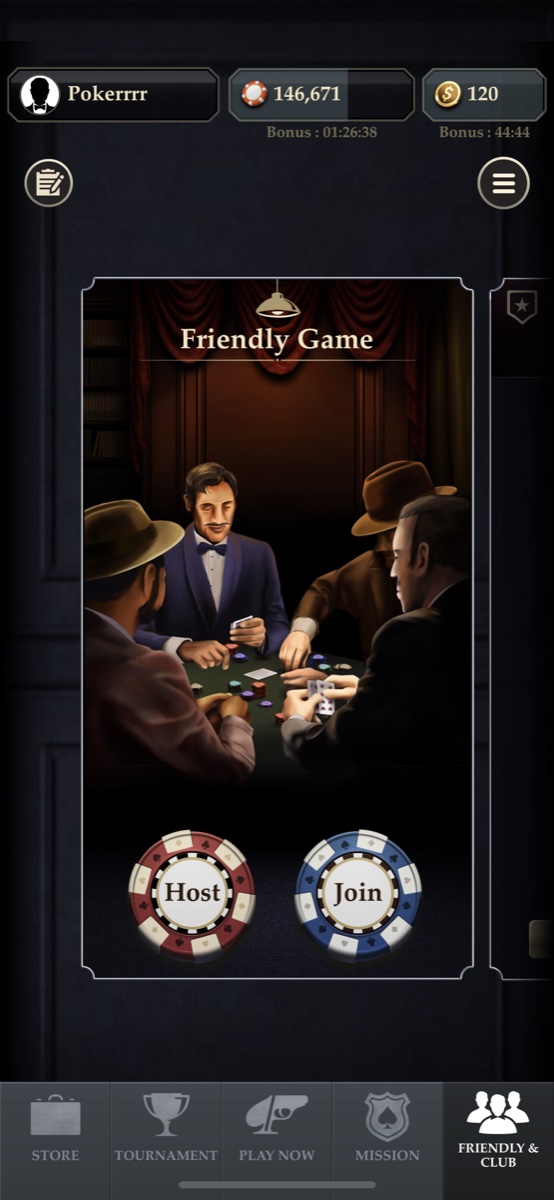
Best for: Regular home-game groups that want private clubs and host controls.
Pros
- Private rooms and clubs for recurring groups
- Multiple poker formats and tournament options
- Host controls and saved hand histories
Cons
- Hosting uses Gold, the app's in-game currency
- More club and tournament settings to learn than a simple share-a-link room
6. PokerUp
Best for: Small groups who want chat and social features alongside Hold'em.

Pros
- Invite friends from your contacts
- Chat and video features built around social play
- Phone-focused controls
Cons
- The listing describes inviting up to three friends, so check the table limit before planning a larger home game
- Some features and table themes require a premium account
This entry refers to PokerUp by UpGames, the social poker game, rather than other products with a similar name.
Which App Should You Choose?
- A group mixing phones and laptops, or trying different variants: Chips of Fury.
- A browser game with built-in video chat: Poker Now.
- A no-signup private Hold'em room: Chips of Fury or Poker Patio.
- A mobile game joined with a short PIN: EasyPoker.
- A recurring club with host controls: Pokerrrr 2.
- A small group that values chat and video reactions: PokerUp.
Before inviting everyone, have the host and one friend check the joining process, table size, and any paid features you need. A quick trial is more useful than finding out halfway through poker night that your group needs a different plan.
Once you've picked an app, use our guide to playing poker with friends online to set up your game, or agree on a few house rules before the first hand.